
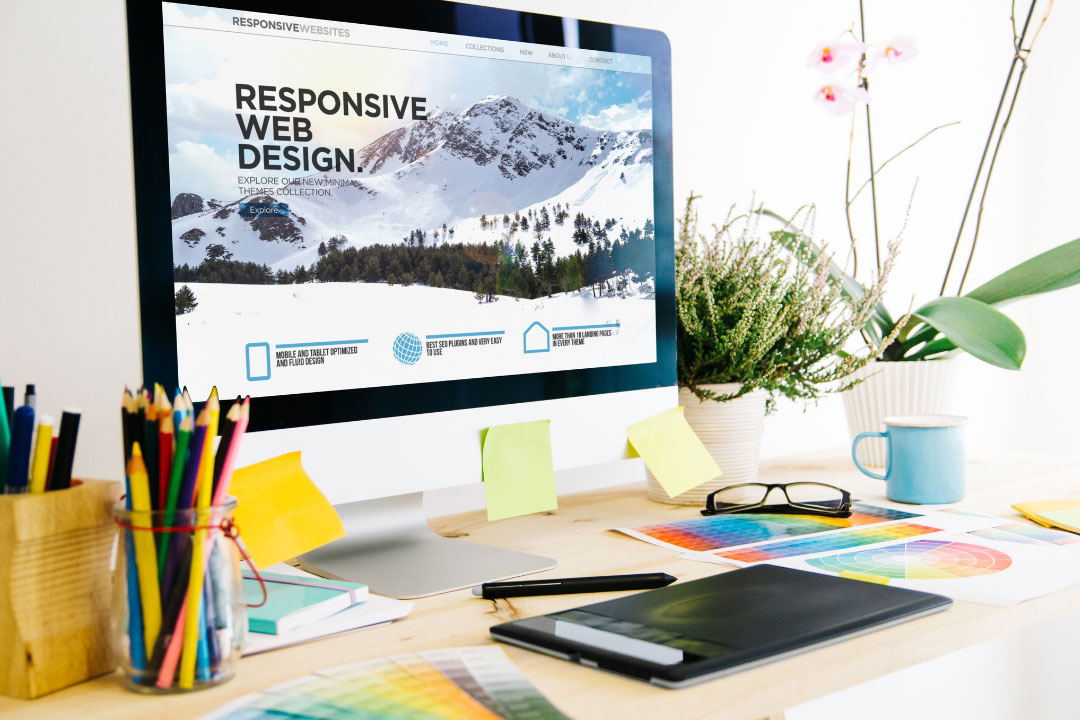
Your homepage is the digital front door of your brand. It’s the first impression visitors get—and in just a few seconds, they decide whether to stay or leave. An effective homepage doesn’t just look good; it guides, informs, and converts.
In this article, we’ll explore how to design an effective homepage that captures attention, builds trust, and drives action.
1. Start with a Clear and Compelling Headline
Your headline should instantly tell visitors who you are and what you offer. Avoid vague slogans—clarity beats creativity every time.
✅ Example:
Instead of “Innovating for Tomorrow,” say “AI-Powered Marketing Tools to Grow Your Business Today.”
Pro tip: Keep it short (under 10 words) and align it with your brand’s core value.
2. Use an Engaging Hero Section
The hero section—the first visible area of your homepage—should make visitors want to explore further.
Include:
- A high-quality background image or video
- A clear headline and short subtext
- A call-to-action (CTA) button (e.g., “Get Started,” “View Services,” or “Book a Demo”)
✅ Tip: Keep it visually clean and ensure your CTA stands out in color and placement.
3. Highlight Your Value Proposition
Immediately explain why visitors should choose you.
This is your value proposition—the benefit or solution your brand provides.
✅ Example:
“We help small businesses grow their online presence with affordable, data-driven marketing solutions.”
Place this statement near the top of the page, so users see it without scrolling.
4. Organize Content with Visual Hierarchy
An effective homepage uses visual hierarchy to guide visitors naturally through the page.
Tips to achieve this:
- Use large fonts for headlines and smaller ones for details
- Apply contrasting colors for CTAs
- Use whitespace to separate key sections
✅ Pro tip: Users tend to scan in an “F-pattern” — place your most important content (like offers and CTAs) along that reading path.
5. Showcase Your Core Offerings or Services
Your homepage should clearly show what you provide. Create short sections with icons or visuals for each major service or product category.
✅ Tip: Link each section to a dedicated landing page for more details.
This helps both users (for easy navigation) and search engines (for SEO clarity).
6. Include Social Proof
Trust is a major factor in conversion. Build credibility with:
- Client logos
- Testimonials or case studies
- Star ratings or review badges
✅ Pro tip: Add real customer photos or brand logos for authenticity—stock testimonials don’t build trust.
7. Simplify Your Navigation
A cluttered menu confuses visitors. Keep your navigation simple—ideally 5 to 7 main items.
Common examples:
- Home
- About
- Services / Products
- Portfolio / Case Studies
- Blog
- Contact
✅ Tip: Add a sticky header (menu that stays visible when scrolling) for better user experience.
8. Use Strong Calls-to-Action (CTAs)
Every homepage should lead users toward one or two primary actions.
Examples:
- “Book a Consultation”
- “Start Free Trial”
- “View Our Portfolio”
✅ Pro tip: Repeat your main CTA 2–3 times throughout the page—top, middle, and bottom—to catch users at different engagement levels.
9. Optimize for Mobile and Speed
With over half of web traffic coming from mobile devices, responsive design is non-negotiable.
✅ Checklist:
- Fast loading (under 3 seconds)
- Mobile-friendly layout
- Easy-to-tap buttons
- Optimized images
Use tools like Google PageSpeed Insights and GTmetrix to test performance.
10. Add a Footer with Key Information
A footer is often overlooked but essential. It should contain:
- Contact information
- Social media links
- Quick navigation links
- Copyright and privacy policy
✅ Pro tip: Add a mini signup form or newsletter CTA to encourage engagement even at the bottom of the page.
11. Focus on Consistent Branding
Every visual element—colors, typography, icons, and imagery—should reflect your brand identity.
✅ Tip: Use consistent color schemes and fonts across your homepage to create a cohesive, professional look.
12. Keep Testing and Improving
Your homepage is never “done.” Track performance with heatmaps, analytics, and A/B testing to understand user behavior and optimize accordingly.
✅ Pro tip: Tools like Hotjar, Google Analytics, or Crazy Egg help you see how visitors interact with your homepage and where you can improve.
Conclusion
An effective homepage isn’t just beautiful—it’s functional, fast, and focused on your audience’s needs.
By combining clear messaging, intuitive design, and strategic CTAs, you can turn casual visitors into loyal customers.
Start redesigning your homepage today—because your first impression online should be your best one.